
How an address becomes verified
-
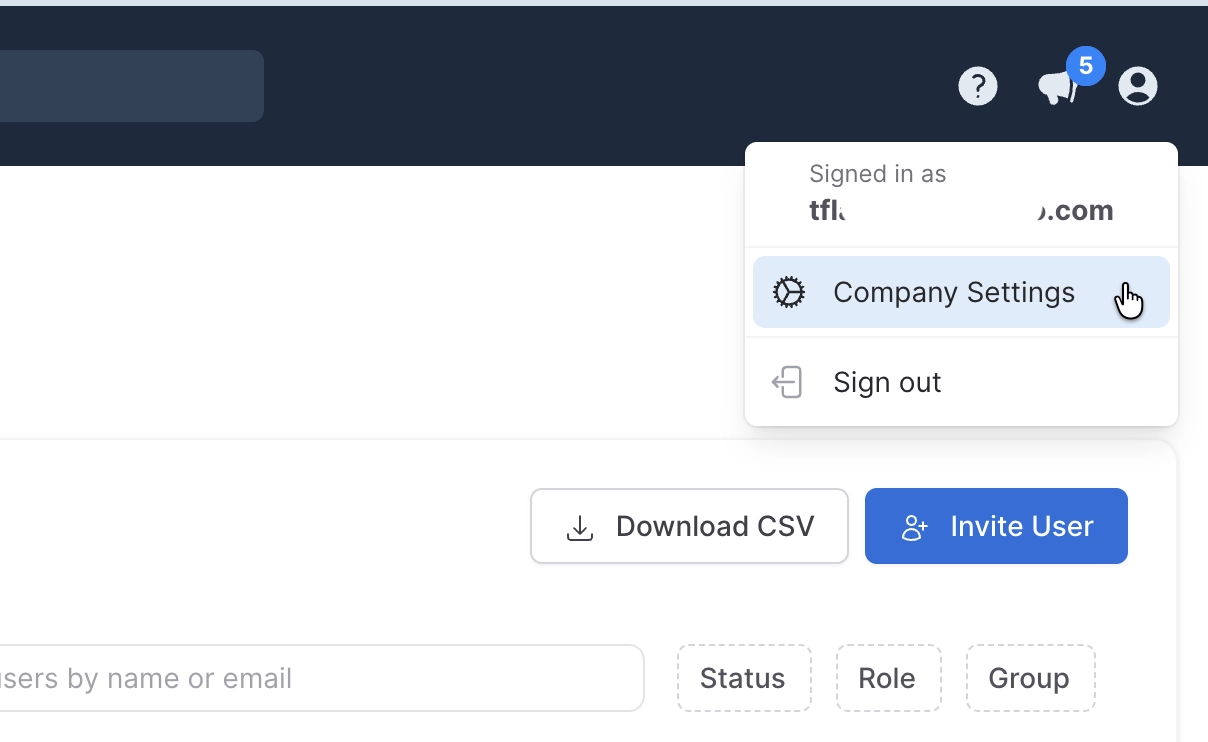
In the staging sandbox, go to Company Settings → Email Verification.
- Enter an email address the tester controls.
- KarmaCheck sends a one-time verification link to that inbox.
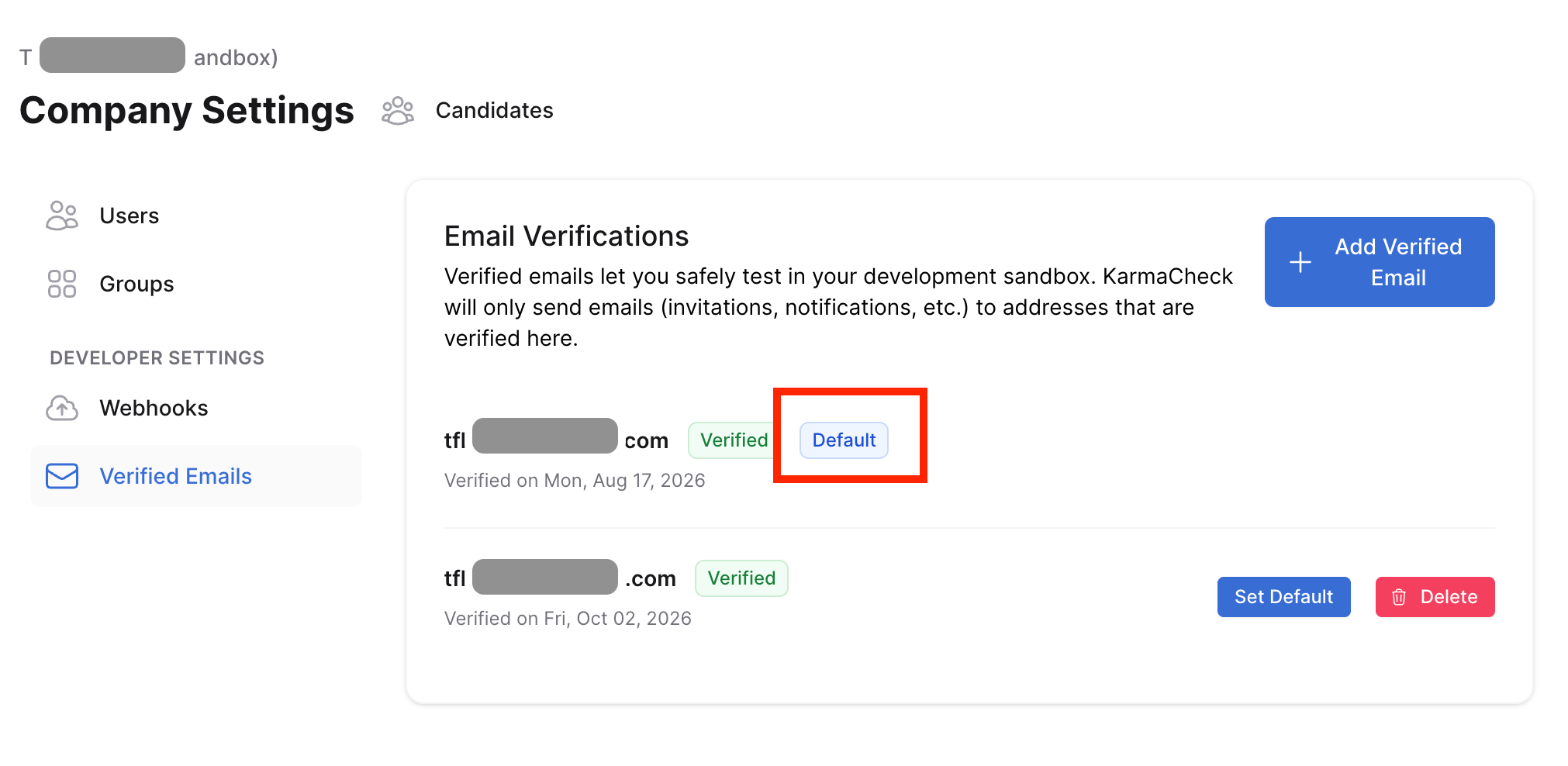
- After the link is clicked, the address is stored as verified and associated with the sandbox.
Address matching rules
- Case-insensitive: Capitalization does not create a different verified address.
- Plus aliases supported: If the recipient’s email provider supports “plus aliases” also known as “plus addressing”, verifying
qa@company.comalso permits addresses such asqa+candidate1@company.com.
What happens when staging sends an email
For candidate and background-check invitations, the routing logic checks whether the intended recipient:- Is a user in the current sandbox account, or
- Matches a verified sandbox contact.